BulkImageConvert
DesignDR 4.1Free, fast bulk image conversion.
BulkImageConvert offers a straightforward, privacy-focused solution for converting and resizing images in bulk, directly within your browser. It serves as a practical tool for quick image processing without the need for uploads or signups.
Key Advantages
- ✓Processes images locally ensuring data privacy
- ✓Supports multiple image formats and predefined sizes
- ✓No ads or account creation required
Trade-offs & Considerations
- •Limited to JPEG/JPG, PNG, and WebP formats
- •Performance depends on device memory and browser capabilities
What is BulkImageConvert?
BulkImageConvert is a powerful tool that allows users to convert multiple images into different formats simultaneously. This free app operates entirely on your local machine, ensuring that your data remains private and secure. With no ads or restrictions, it provides a seamless experience for users needing quick and efficient image conversion.
Key Features & Highlights
5 FeaturesCore capabilities and advantages of using BulkImageConvert for your workflow:
How to use BulkImageConvert
Using BulkImageConvert is straightforward and user-friendly. First, download and install the app on your local device. Once launched, you can easily drag and drop your image files into the designated area. Next, select your desired output format from the available options. After that, just hit the 'Convert' button, and watch as the app processes your images swiftly. Finally, your converted files will be ready for download in the specified folder, allowing you to continue your projects without delay.
About BulkImageConvert
As a startup founder, you know the importance of efficiency and security in your workflow. BulkImageConvert addresses a common pain point: the need for fast, reliable image conversion without compromising data privacy. This app empowers you to convert unlimited images swiftly and securely, eliminating the hassle of online converters that may expose your files to risk. Its user-friendly interface and local processing make it an indispensable tool in your toolkit, allowing you to focus on what truly matters—growing your business. With BulkImageConvert, you can streamline your creative processes and maintain complete control over your assets.
Real performance numbers in the last 30 days
Frequently Asked Questions
Common questions about BulkImageConvert, features, and launch details.
Q:Is BulkImageConvert really free to use?
Yes, BulkImageConvert is completely free with no signup required, and it doesn't add watermarks to your images.
Q:What image formats does BulkImageConvert support?
The app supports JPEG, PNG, and WebP formats for resizing, compressing, and converting images.
Q:Is my privacy protected when using BulkImageConvert?
Absolutely! All image processing is done locally in your browser, ensuring that your files never leave your device.
Related Design Apps
View All →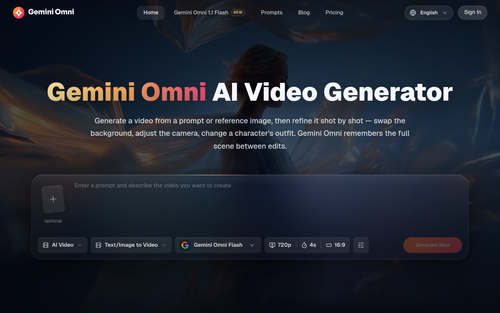
Gemini Omni
Gemini Omni - Free Online AI Video Generator & Editor
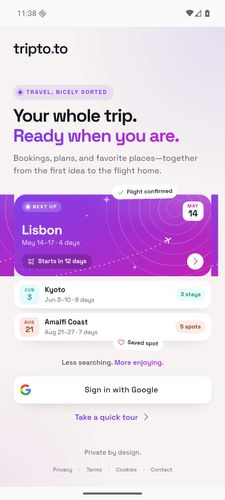
tripto.to
Your bookings, day plans, documents, and saved places—beautifully together.
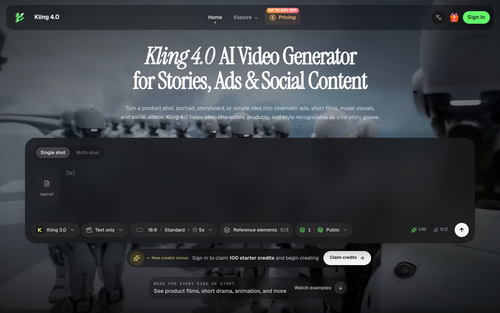
Kling 4.0
Kling 4.0 AI Video Generator for Stories, Ads & Social Content

Influence
Plan, write and schedule your social media posts.

The Audio Stuff
Honest Hi-Fi Gear Reviews Built on Real Listening
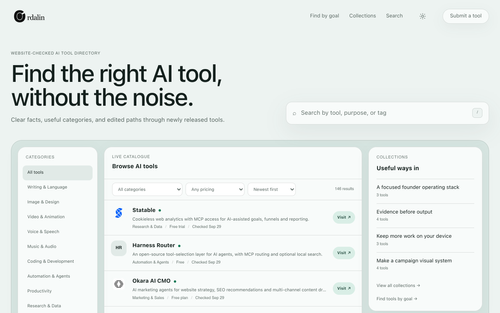
Ordalin
Ordalin — find the right AI tool for the job
Featured Banner for BulkImageConvert Design Tool (1080x75)